How to Easily Install XCIPTV Player on Firestick 4K (Complete Setup)
XCIPTV Player is a top IPTV app with a clean interface and powerful features. This guide shows you how to install XCIPTV on Firestick 4K / 4K Max step-by-step, then log in with Xtream Codes and start watching Live TV, VOD and Series.
Table of Contents
What this guide covers
This tutorial explains how to download and install XCIPTV Player on Firestick 4K. The same method works on Fire TV Stick Lite, Fire TV Cube and most Android/Google TV devices.
Important Note
XCIPTV Player does not provide any channels or playlists. It is only a media player. To watch content, you must add your own IPTV playlist (M3U or Xtream Codes) from a provider.
Latest Update (App Information)
| Application Name | XCIPTV |
| Application Version | 7.0 (910) |
| Category | Entertainment |
| Developer | OTTRUN |
| Installs | 10M+ |
| Latest update | April 4, 2024 |
Download XCIPTV: Download Free
Features of XCIPTV
- EPG (Electronic Program Guide) for schedules.
- Favorites to save channels.
- Player controls for subtitles & quality.
- Modern UI for Live TV, VOD and Series.
How to Install XCIPTV Player on Firestick 4K
Step 1 – Prepare your Firestick
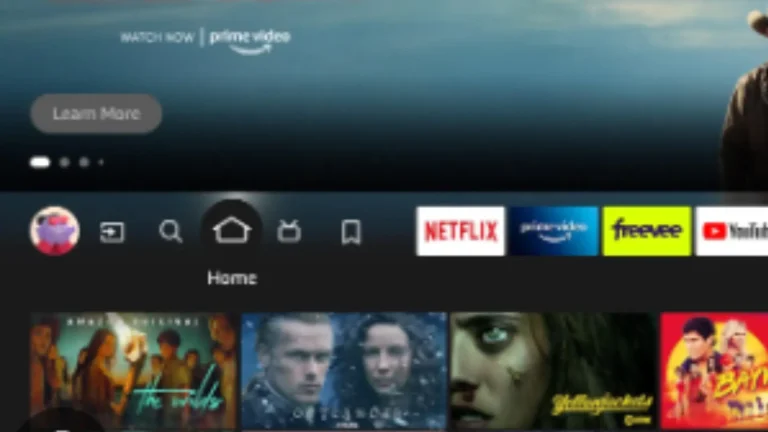
Turn on your Firestick, connect to Wi-Fi, and open the home screen.
Step 2 – Open the Search menu
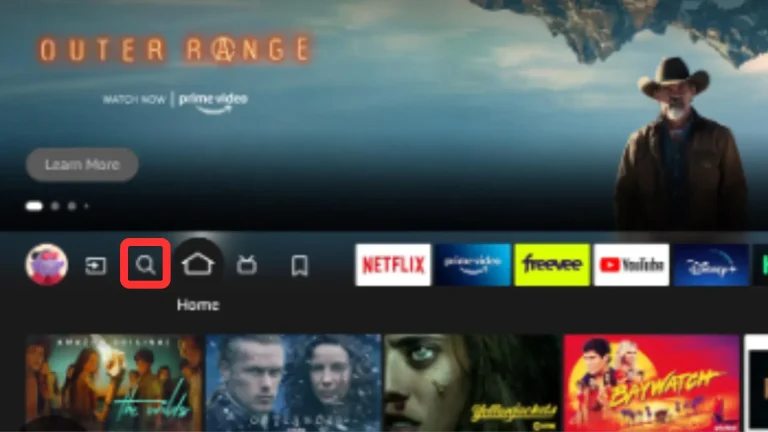
Click Search from the Firestick home interface.
Step 3 – Search for Downloader
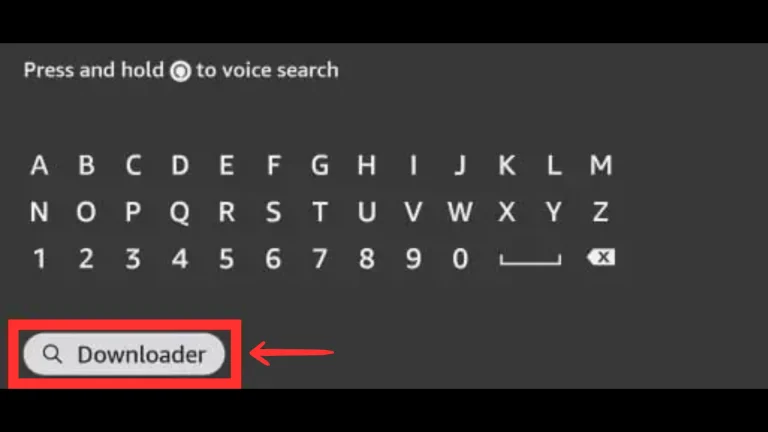
Type “Downloader” and select it from results.
Step 4 – Open Downloader app page
Click Downloader to open its page.
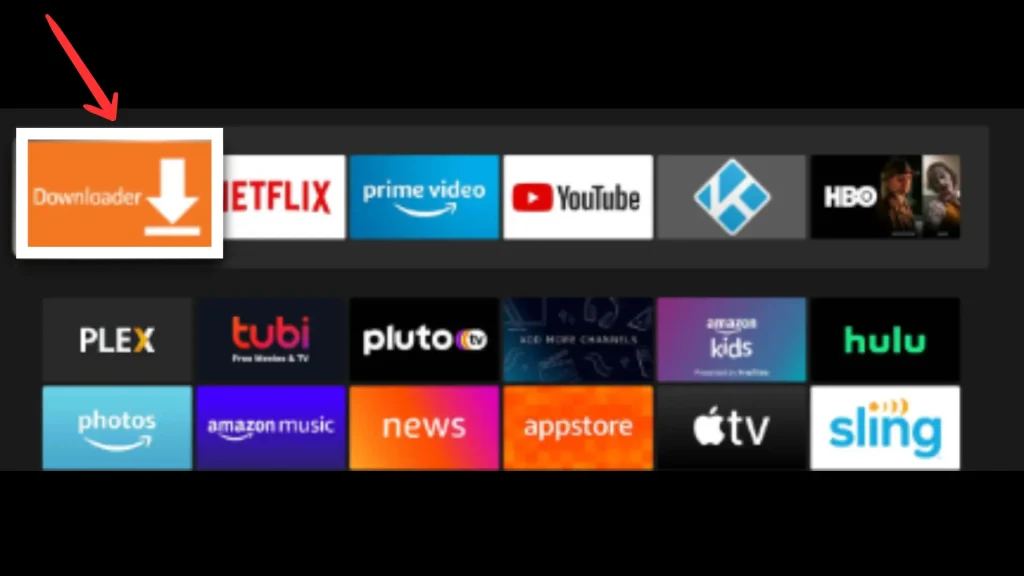
Step 5 – Install Downloader
Click Download/Get to install.
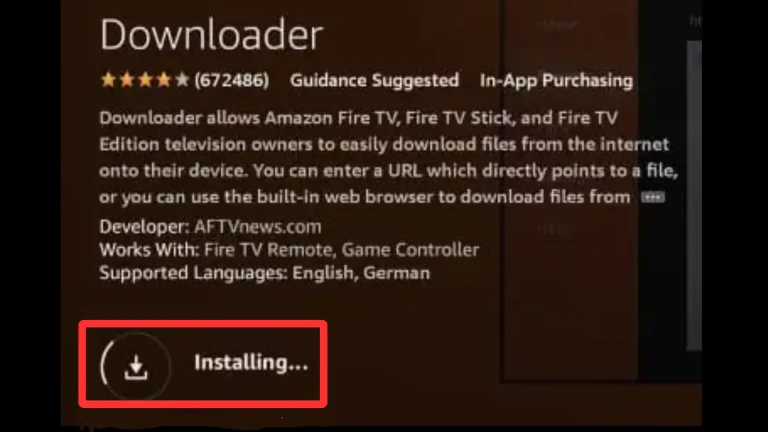
Step 6 – Launch Downloader
After install, click Open.
Step 7 – Open Settings
Go back home and open Settings.
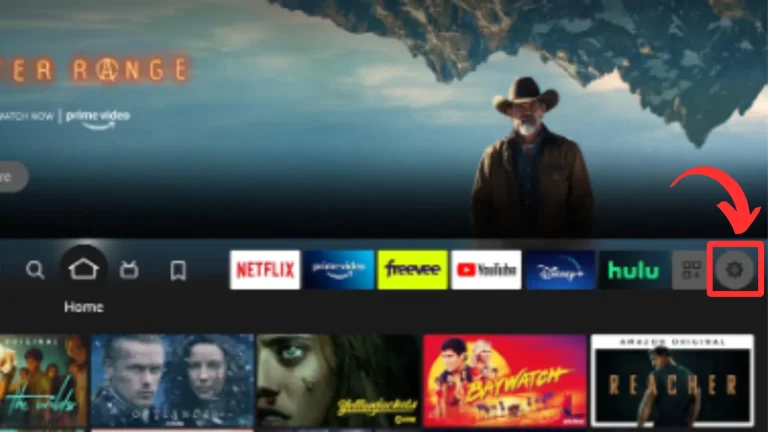
Step 8 – Click My Fire TV
Select My Fire TV.
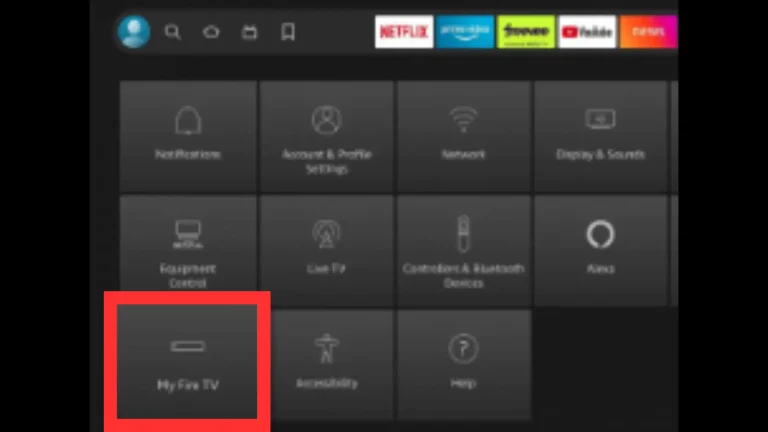
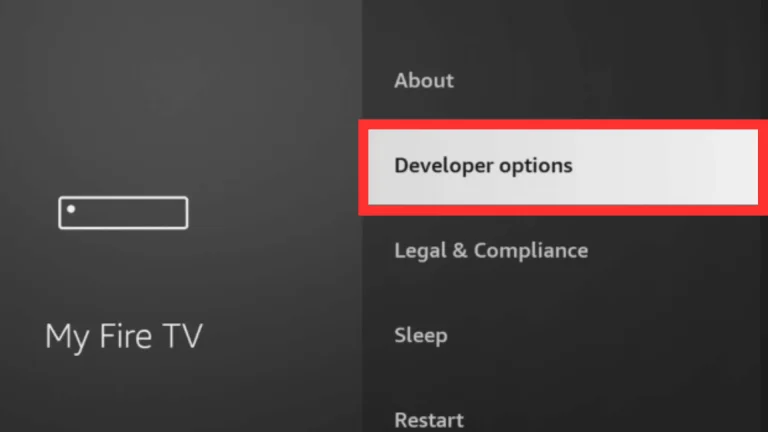
Step 9 – Developer Options
Open Developer Options.
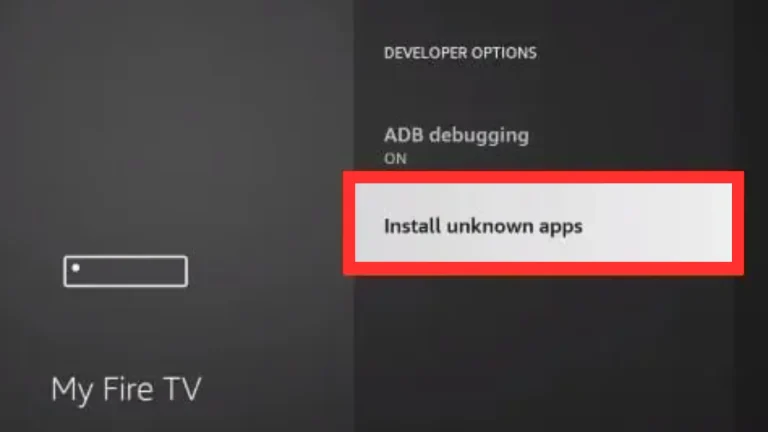
Step 10 – Install Unknown Apps
Click Install Unknown Apps.
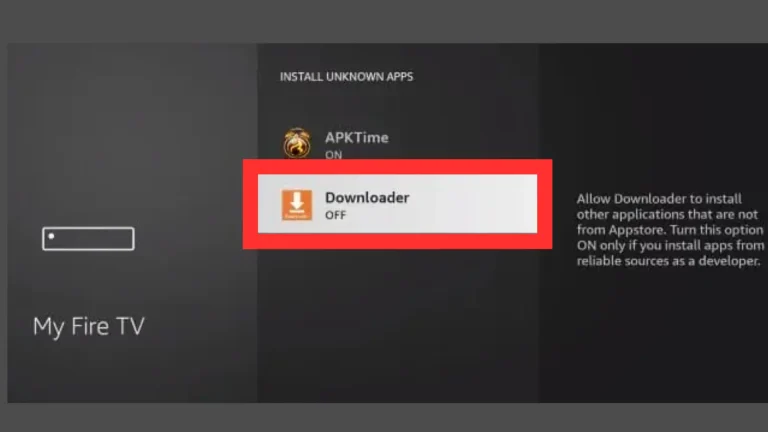
Step 11 – Enable Downloader
Find Downloader and turn it ON.
If Developer Option is Not Available
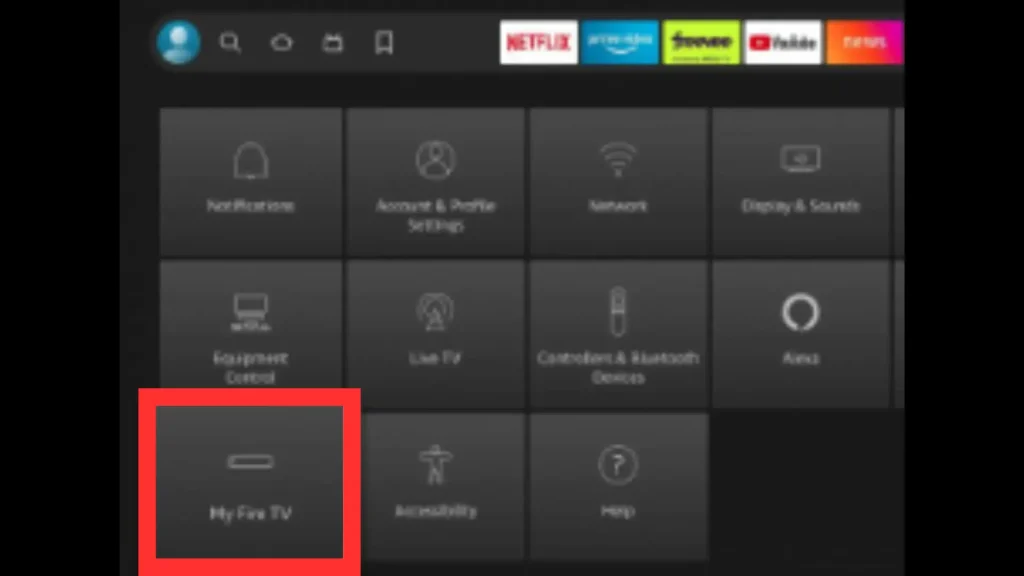
Step A1 – Open My Fire TV
Settings → My Fire TV.
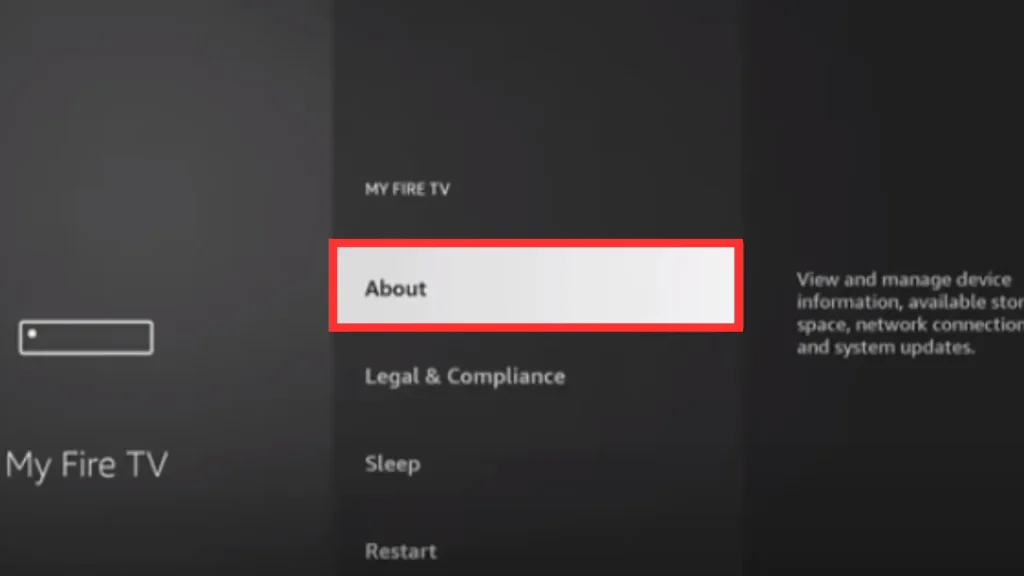
Step A2 – Click About
Select About.
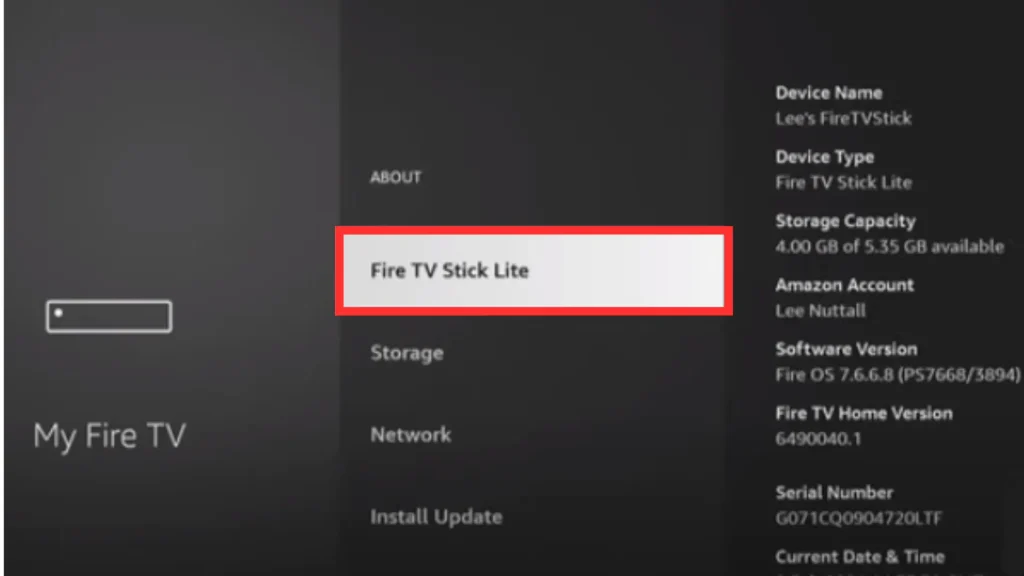
Step A3 – Press Fire TV Stick 7 times
Highlight Fire TV Stick and press OK seven times to enable Developer Options.
Step A4 – Go back to Home
After that, when you click on the Fire TV Stick option seven times, your developer option will be enabled, and after that, you have to go back to your TV home screen.
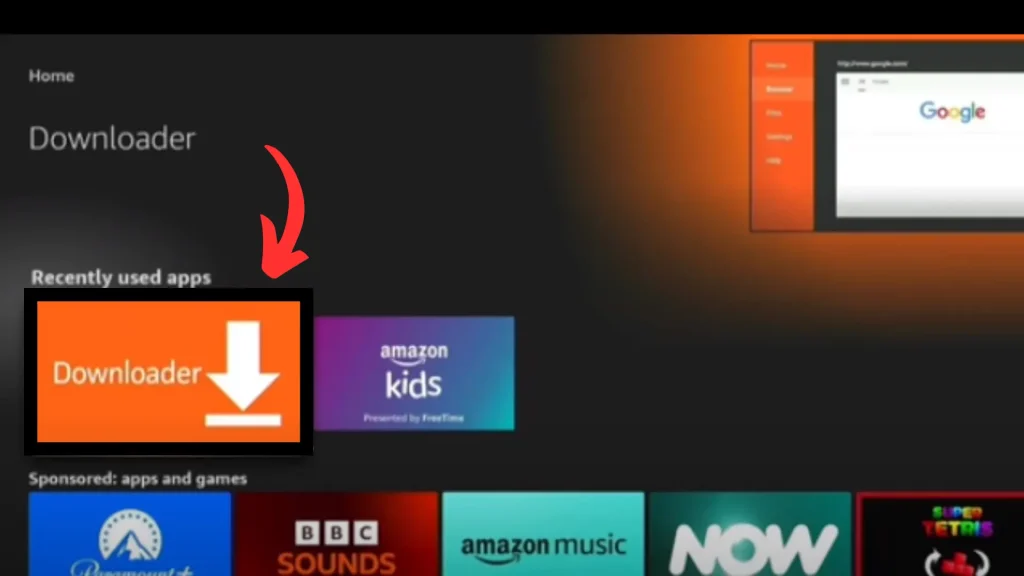
Step A5 – Enter XCIPTV APK URL
Open Downloader and enter the XCIPTV APK URL, then click Go.
Step A6 – Install and Open
Wait download → Install → Open.
Login & Start Watching
Step 12 – Choose Xtream Codes API
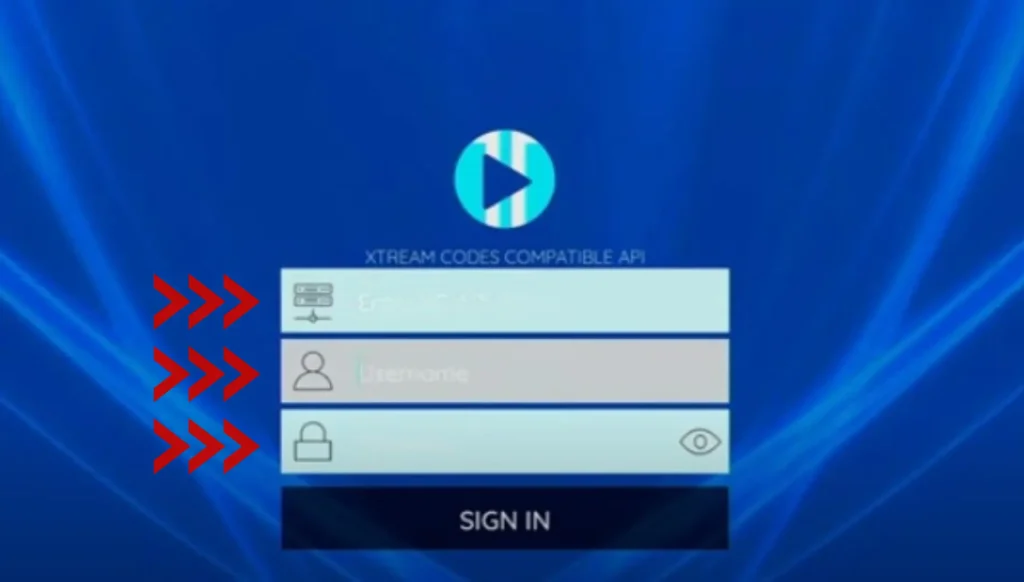
Inside XCIPTV, choose Xtream Codes API.
Step 13 – Enter IPTV details
Enter Server URL, Username and Password from your provider, then Sign In.
XCIPTV works perfectly with Xtream Codes or M3U. Get a 24H free trial and test Live TV, VOD & Series.