Xtream Codes API Explained – Complete Setup
Xtream Codes API is the easiest and most stable way to connect your IPTV line to apps like Smarters Pro, TiviMate, and many Smart TV players. This guide shows you what it is, how you get your credentials, and how to add them step-by-step.
Table of Contents
What is Xtream Codes API?
Xtream Codes API is a login method that lets an IPTV app connect directly to the provider’s server. Once you enter the API details, the app loads Live TV, Movies, Series, and EPG automatically, with better organization and stability than a basic M3U link.
How Do I Get Xtream Codes Credentials?
You don’t generate anything yourself. After you buy an IPTV subscription, your provider sends you three values: Server URL, Username, and Password. That’s all you need to login.
- Server URL (example: http://yourserver.com:port)
- Username
- Password
Applications Supporting Xtream Codes API
Most popular IPTV players support this method, especially: IPTV Smarters Pro, TiviMate, and GSE Smart IPTV. Always choose “Login with Xtream Codes API” inside the app.
Get a reliable IPTV line with full Xtream Codes support. Test our service free for 24H before you decide.
How to Add Xtream Codes API Playlist (Step-by-Step)
This setup is almost the same in every app.
Step 1 – Open your IPTV app
Launch your player (Smarters Pro, TiviMate, etc.).
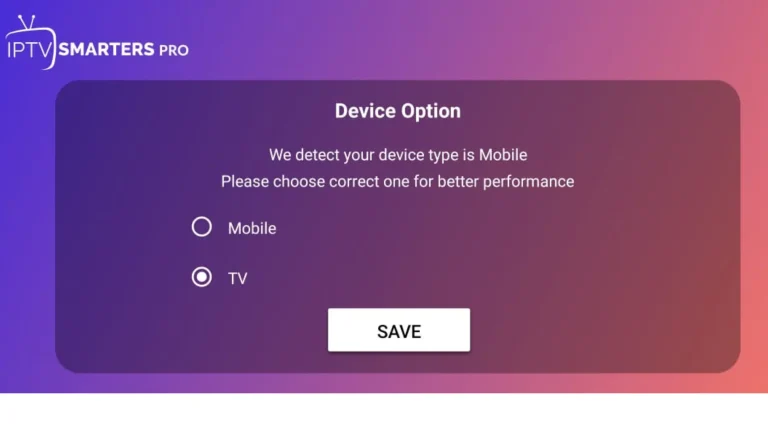
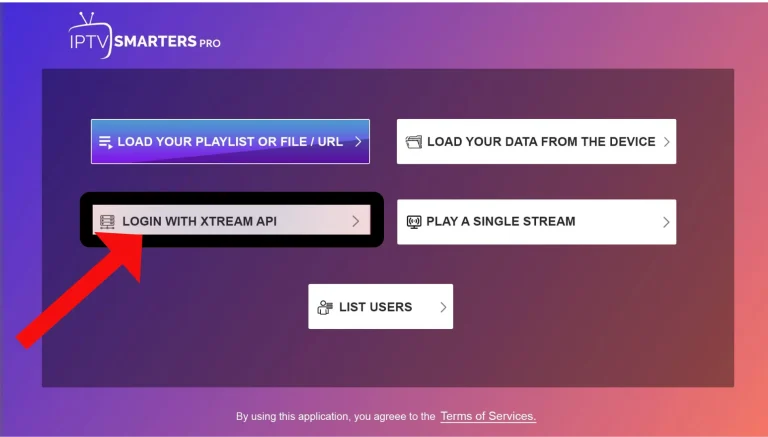
Step 2 – Select “Login with Xtream Codes API”
Choose the Xtream Codes option, not M3U. :contentReference[oaicite:6]{index=6}
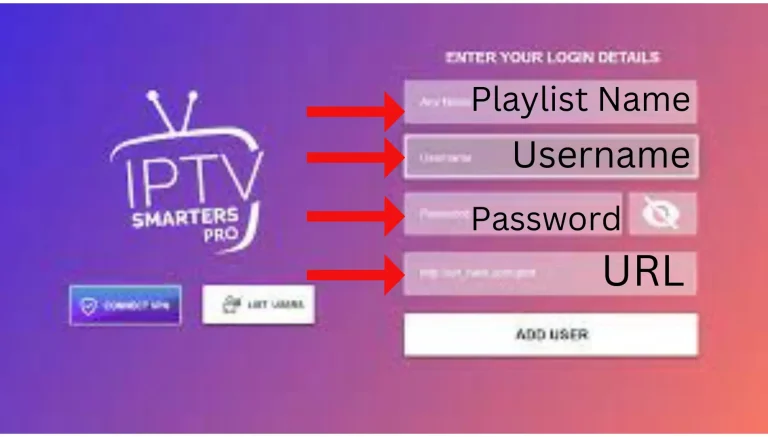
Step 3 – Enter your credentials
Fill in Playlist Name (any name), then add: Username, Password, and the full Server URL.
Step 4 – Click Add User / Sign In
Tap “Add User” / “Connect”. The app will load your playlist automatically.
How to Access Channels, Movies & Series
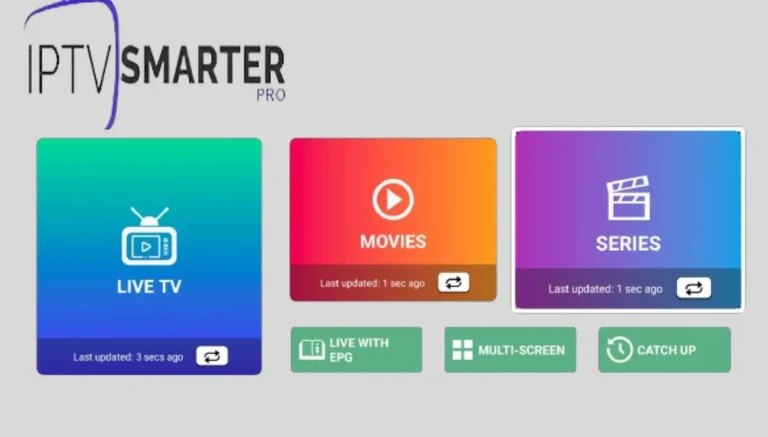
After the playlist finishes loading, you’ll see the main dashboard:
- Live TV – all channels grouped by categories.
- Movies / Series – your VOD library.
- EPG – program guide if your provider supports it.
Important Legal & Safety Notes
The API technology is legal; what matters is the content source. Avoid any “Xtream Codes generator” or random panels claiming free codes — real providers send you working credentials after subscription.